Aug 11 2026 • Guide
4 Features to Get More Out of Elfa App
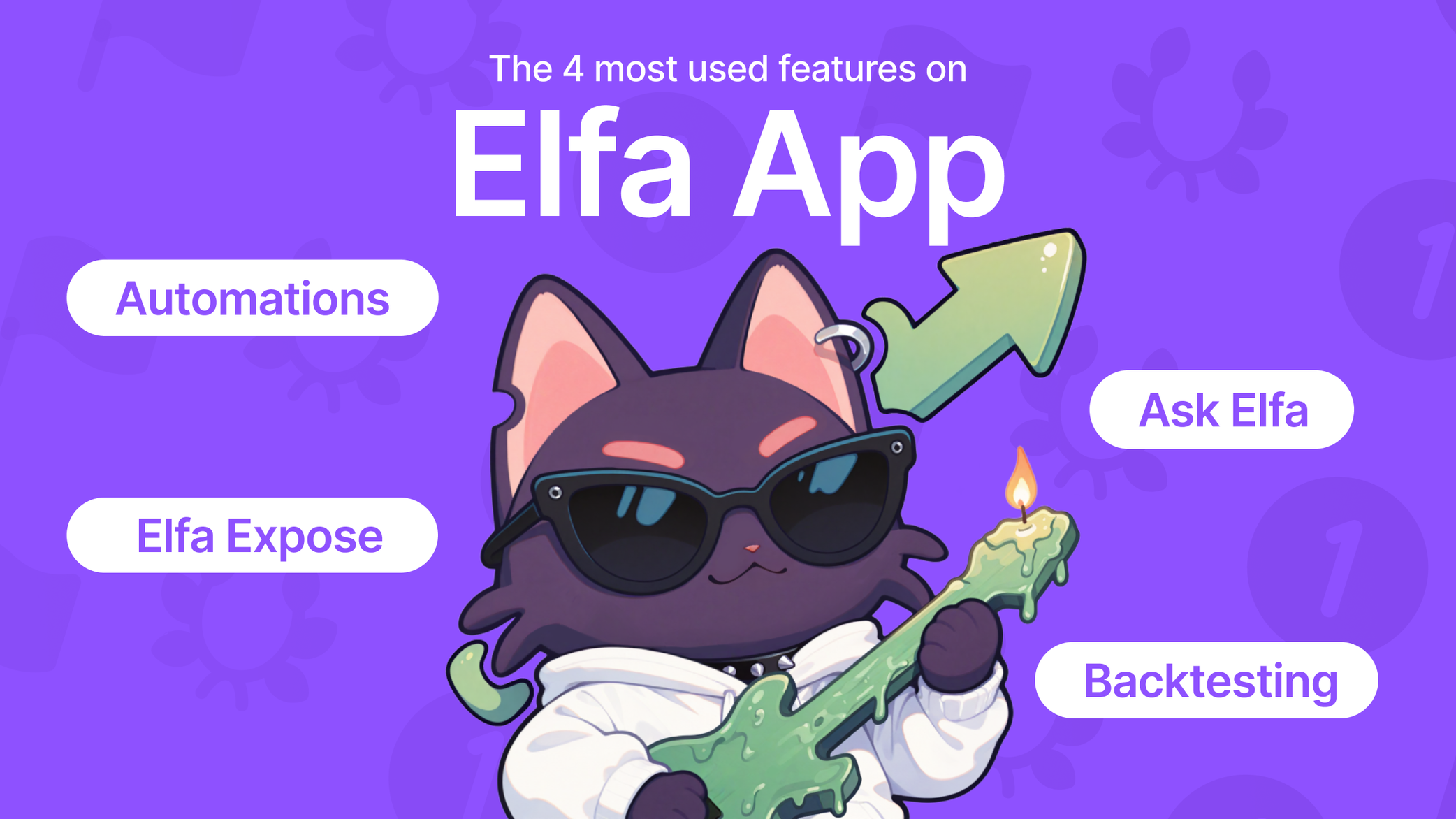
If Ask Elfa is the only feature you've been using, you're missing the other three our power users run daily. Elfa takes you from "what's happening" to a decision you can act on, whether that's an alert, deeper research, or validating a trade thesis.
These are the four features our users reach for most: Ask Elfa, Auto, Elfa Expose, Backtesting. Here's what each one does, and how they fit together in a real workflow.
1. Ask Elfa: The fastest way to understand a market
Ask Elfa is the entry point most of our users know: a familiar chat interface for questions on tokens, sentiment, technicals, and narratives, answered in plain English with sources pulled from X, Telegram and more.
Ask it why a token is moving, how its mindshare compares to a competitor, or whether smart money sentiment is diverging from price.
Not sure what to ask? Scroll through some of the trending questions to see what others are asking about.

Elfa surfaces trending questions over the past 24 hours

Elfa answers any questions
Take a real example: "Why is $HYPE pulling back and is it a dip-buy or short?" gives you a full breakdown of the current setup. You get the TL;DR verdict, live price and volume data, with the actual reasoning behind the call.
Elfa also gives key price levels to watch, but that's only useful if you know when the price reaches those key levels. That's where Auto comes in.
Use it for:
- Instant context about an event, narrative, or asset
- Validating a thesis
- Answering any itching queries that you might have
2. Auto: Your eyes when you're not looking
The market doesn't pause for you to refresh your feed. Auto lets you set conditions based on price, technical signals, sentiment shifts, or a custom trigger in your own words, and Elfa watches them continuously. When conditions align, you get alerted, or your predefined action executes, without you needing to stay glued to the chart.

Get Elfa to watch for any unexpected events

Choose from our range of Auto Templates or create your own custom plan
This is also where market summaries live. Instead of scrolling for an hour to catch up, you can ask for a digest of what actually happened while you were away and why it mattered. Track every material news event on a single narrative, like a geopolitical flashpoint or a protocol upgrade, and it lands in your schedule. The skills in our Library add further context to those conversations.

Using the /macro-brief skill to pull a macro summary for the day
Use it for:
- Catching unexpected moves the moment they happen
- Running a trading strategy while you sleep
- Staying informed on the market without being chronically online
3. Elfa Expose: Know who you're actually listening to
Before you follow a call or slide into someone's DMs, it helps to know who you're dealing with. Elfa Expose gives you instant context on any account: their background, their interests, their track record, and who they're connected to. Some users run it before cold meetings, for the same reason.

Expose your favourite accounts or friends

An Elfa Expose example of Taiki Maeda’s account
Crypto Twitter runs on reputation, and sometimes, reputation can be hard to verify at a glance. Elfa Expose turns your gut feel into something you can check.
Use it for:
- Getting instant context on an account
- Finding out the relational graphs of someone
- Filtering high-signal accounts from noise
4. Backtesting: Test the idea before you trust it
Every trader has a theory. Backtesting is where you find out if it holds up. Run a technical setup or an event-driven strategy against real historical data, from standard indicator crossovers to something as specific as trading the lunar cycle.
Set it up across different assets, date ranges, entry and exit triggers, long or short, timeframes, and fees.

Backtesting the famous lunar strategy over the past year
Use it for:
- Validating a strategy before risking your capital
- Quantifying how markets historically react to a given catalyst or indicator
- Refining an Automation before you let it run live
The Bigger Picture
The real edge shows up when you stop treating these as four separate tools. A hack drains a protocol — that's the headline everyone sees. Where the funds move next, which tokens get dumped to cover the gap, which narratives shift as a result, that's the second and third-order effect most people never catch, because they stopped reading after the headline.
Elfa keeps watching past that first move: Ask Elfa gives you the read and maps the impact, Auto catches it the second it happens, Elfa Expose tells you who's worth listening to about it, and Backtesting tells you whether your strategy makes sense historically.
That's a full workflow from headline to thesis. Start with Ask Elfa, then pick the one you're missing.
Get started now in our app.
Read more
Browse all

Go live your life
Elfa watches the market. You go touch grass, catch flights, take naps. The gains will be here when you get back.